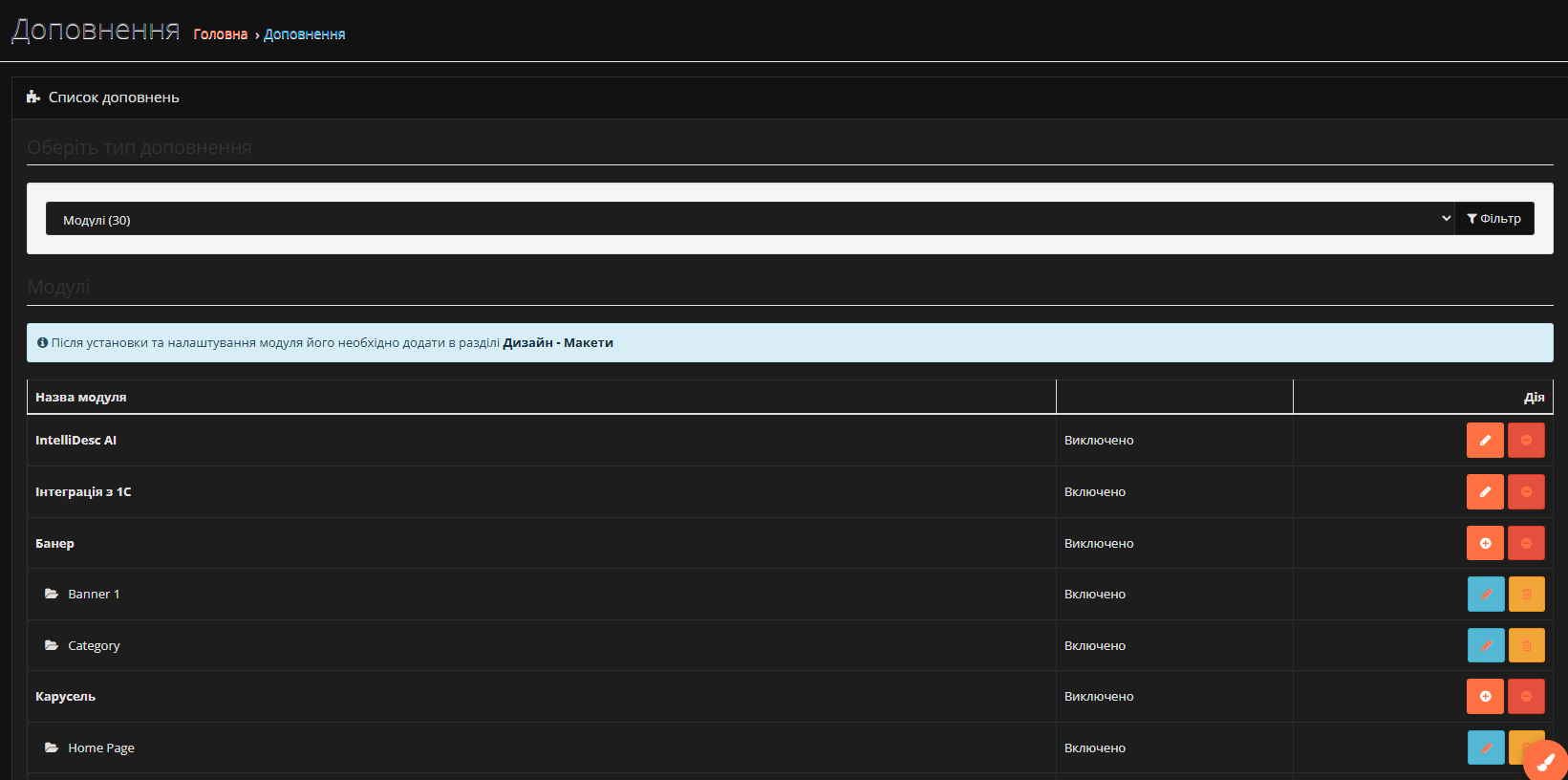
Light/dark theme customizer for OpenCart admin
LiveLet store owners live-customize color schemes and toggle light/dark mode — no template code, no core-file patches.
How it works
Install via OCMOD
Upload the extension as a standard OpenCart 3 OCMOD package — no manual file edits.
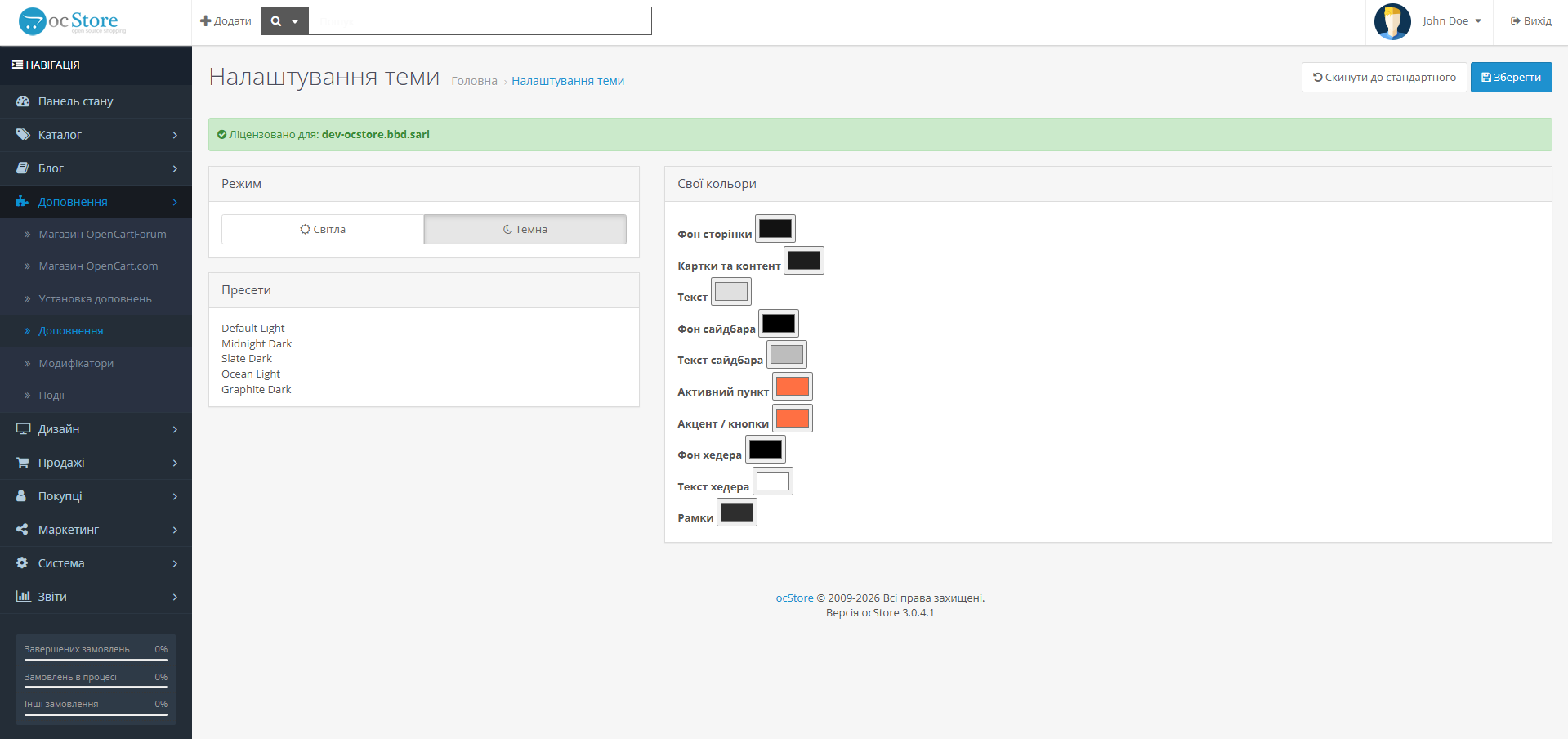
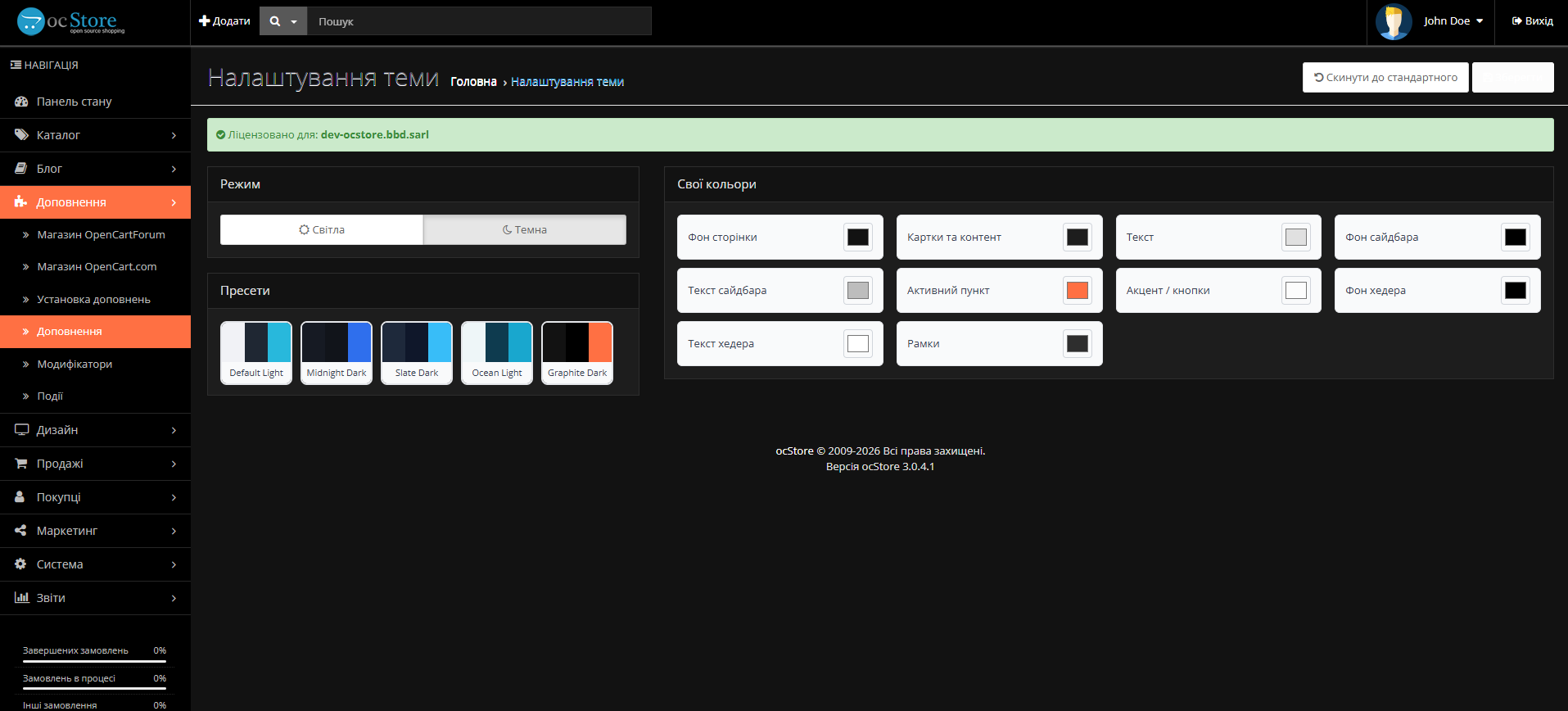
Pick a preset or customize
Choose one of 5 built-in presets, or fine-tune all 10 individual colors from the admin settings screen.
Instant, flash-free switch
The theme class is injected before the page renders and cached in localStorage, so visitors never see a flash of the wrong theme.
What's included
5 built-in presets
Default Light, Midnight Dark, Slate Dark, Ocean Light, Graphite Dark.
10 individual color pickers
Background, sidebar, header, accent, border, and text colors, each independently adjustable.
Flash-free theme switching
Theme class is injected before <body> renders, with settings cached in localStorage for instant reapply.
Zero core-file patches
Integrates via an OpenCart core event hook instead of patching admin template files.
Event-hook architecture
Registers on OpenCart's own admin/view/common/header/after event — the same mechanism core extensions use — instead of OCMOD find/replace patching.
Dual-layer caching
Settings are stored in the database as the source of truth, with a localStorage cache for instant client-side reapply.
Per-admin-user themes
Colors and scheme are stored per admin user, not site-wide — every admin gets their own theme.
Input sanitization
Every color value is validated against a strict hex format before it's saved or rendered, guarding against CSS/HTML injection.
Pricing
OpenCart 3 License
Single-store license
Frequently asked questions
Which OpenCart version is this tested against?
Does it modify OpenCart's core files?
How is the flash-free switch achieved?
Where do I find it in the admin?
What happens if the license server is unreachable?
Ready to customize your admin panel?
One license, every color you need.